How is different from Alexa?
AI Live Pod goes far beyond smart speakers — it sees, hears, and understands your world through vision, speech, and on-device memory. Unlike cloud-based assistants, it runs entirely offline and adapts to you personally, with no data ever leaving your device. It’s not just smart - it’s truly yours.
What AI Live Pod can do for You?
AI Live Pod is your private, on-device AI companion for scheduling, wellness tracking, smart home control, calorie counting, and real-time health monitoring. It powers avatar-based chats, voice-prompted custom agents, and personalized learning programs—all while keeping your data local. Seamlessly manage your digital life and boost productivity with a single, self-evolving device.
Is My Personal Data Safe?
Absolutely. Your data never leaves your device unless you choose to share it. AI Live Pod is designed for private, offline-first operation.
Can I customize it?
Yes. Use simple voice prompts to build custom AI agents, choose personalities, and tailor workflows to your needs. With each new request, Pod adapts by learning from what it hears and sees, continually refining its behavior.
Does it works offline?
Most features run offline through local models. Internet is only needed for updates or optional integrations.
What platform and OS it uses?
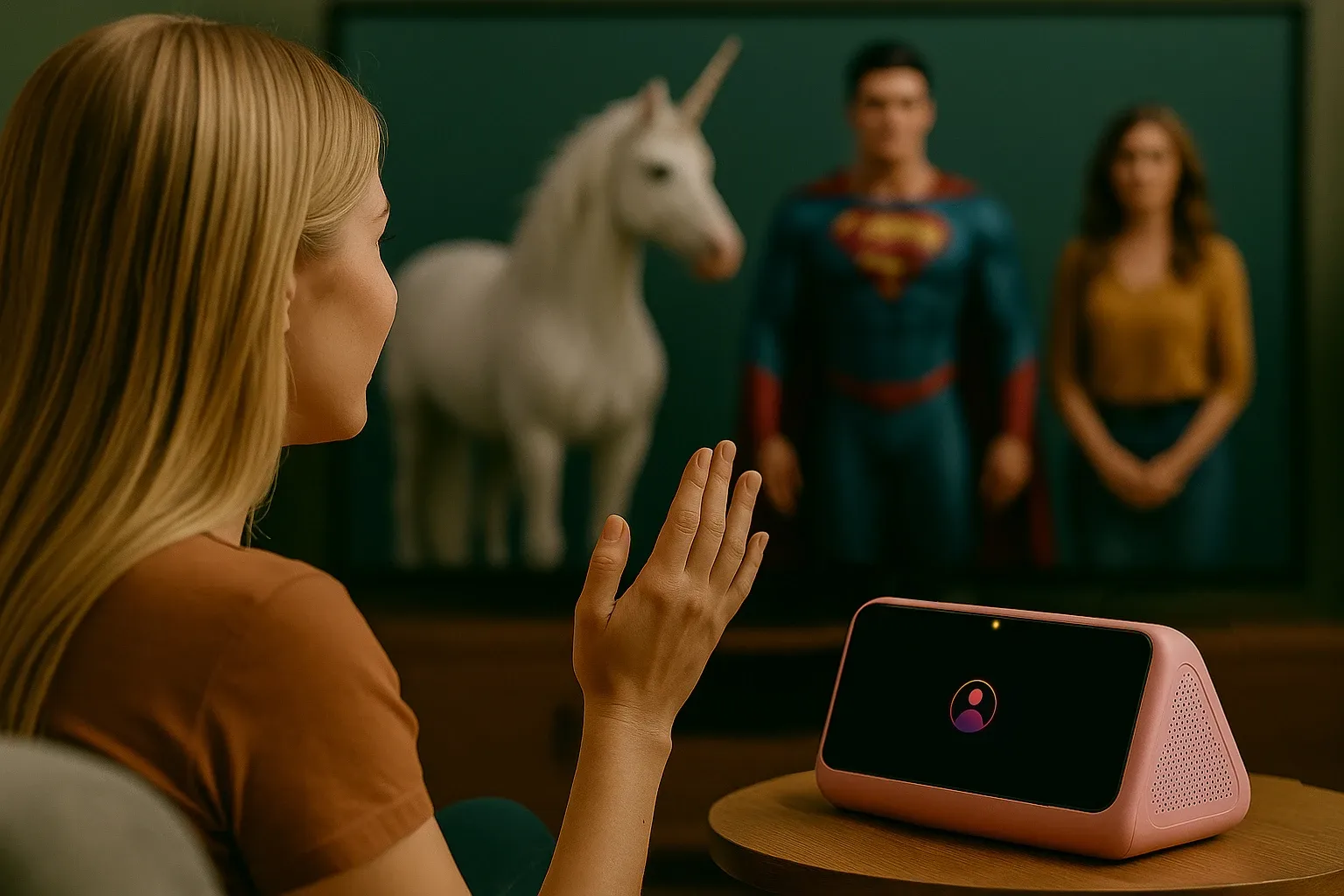
AI Live Pod pairs with iOS, Android, macOS, and Windows, and can display interfaces on smart TVs and other screens.
Suitable for Kids and Seniors?
Yes. For elderly users, AI Live Pod offers posture and health monitoring, medication reminders, and secure alerts to caregivers. For children, it provides a safe, parental-controlled mode with age-appropriate content, storytelling, and educational activities—all fully offline and private.
Speks multiple languages?
Yes. AI Live Pod supports multilingual interaction, translation, and localized responses.
How do I get started with?
Power it on, pair with your devices if any, and follow the guided voice setup -start using it in minutes.